Spotify AdBlock On Linux
BlockTheSpot but for Linux. Now block ads and get premium features (minus downloads) on Spotify for Linux.
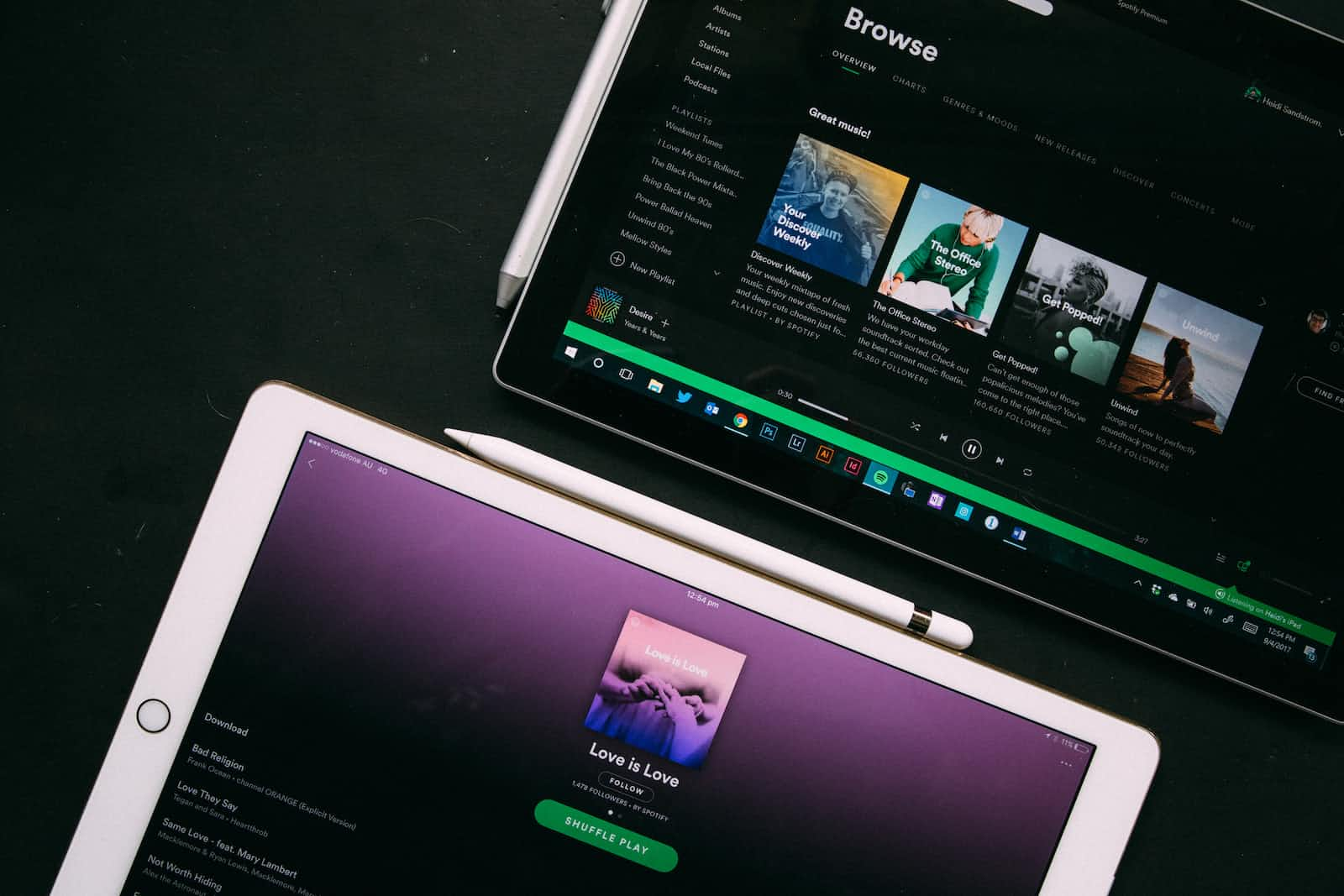
Spotify's ad blocking version is available all the way from Android to Windows but for Linux a special repository exists just for this purpose.
Pre-requisites
- Install Spotify for your Linux distro by going to the official site of Spotify and not installing the package using Snap but using the Debian package installation.
- Download Git from here.
Makemay already be installed on your device but you can install it usingsudo apt-get install build-essentialto be on the safe side.- Install
Rustusing the following command -curl --proto '=https' --tlsv1.2 -sSf https://sh.rustup.rs | sh
That's about it!
Installation
To finally install the adblocked version run the following commands on your terminal -
git clone https://github.com/abba23/spotify-adblock.git
cd spotify-adblock
make
Finally run - sudo make install
To test if it works run this command - LD_PRELOAD=/usr/local/lib/spotify-adblock.so spotify
This should now launch Spotify with the adblocked version!
Creating a desktop file
If you run Spotify installed by you, you will notice the ads aren't blocked unless you run the command above on the terminal. To solve this issue a small hack exists.
- Fire up your terminal and change your directory on the terminal -
cd ~/.local/share/applications - You now need to create a desktop file in order to get the application in your menu. Create the file and edit it by using -
nano spotify-adblock.desktop - In the editing space copy paste the following code:
[Desktop Entry] Type=Application Name=Spotify (adblock) GenericName=Music Player Icon=spotify-client TryExec=spotify Exec=env LD_PRELOAD=/usr/local/lib/spotify-adblock.so spotify %U Terminal=false MimeType=x-scheme-handler/spotify; Categories=Audio;Music;Player;AudioVideo; StartupWMClass=spotify - Ctrl + X, Y and hit enter to exit and save the file!
Done! Now head over to your application menu and you will be seeing a new desktop icon called Spotify (adblock)
Caveats
- The app does not minimize to dock even if you enable the setting instead it will just shut down. Hence you will have to minimize it and keep it in your app tray.
- Apart from ad blocking this mod does not offer any other premium features like downloading. (unlimited skips are automatically enabled in this mod)
About the author
Pursuing my undergraduate degree in Electronics and Telecommunication. With a programming experience of 5 years I have contributed to open source from the very start. I have a keen interest in evolving technology and love to get a hands on experience with them. My main goal is to demystify technology for everyone.
Comments
Join the discussionNo comments yet. Be the first to comment.


